 Fotilo
Screen Studio alternative
A Screen Studio alternative for Mac
Record polished product demos and tutorials on Mac with Fotilo: the camera moves in on where you click, the picture comes framed with a wallpaper and rounded corners, and the cursor glides. It also writes captions, dubs your video into other languages in your own voice and takes screenshots, all in one app on your Mac.
macOS 14 or later, Apple silicon and Intel · Free forever, no account
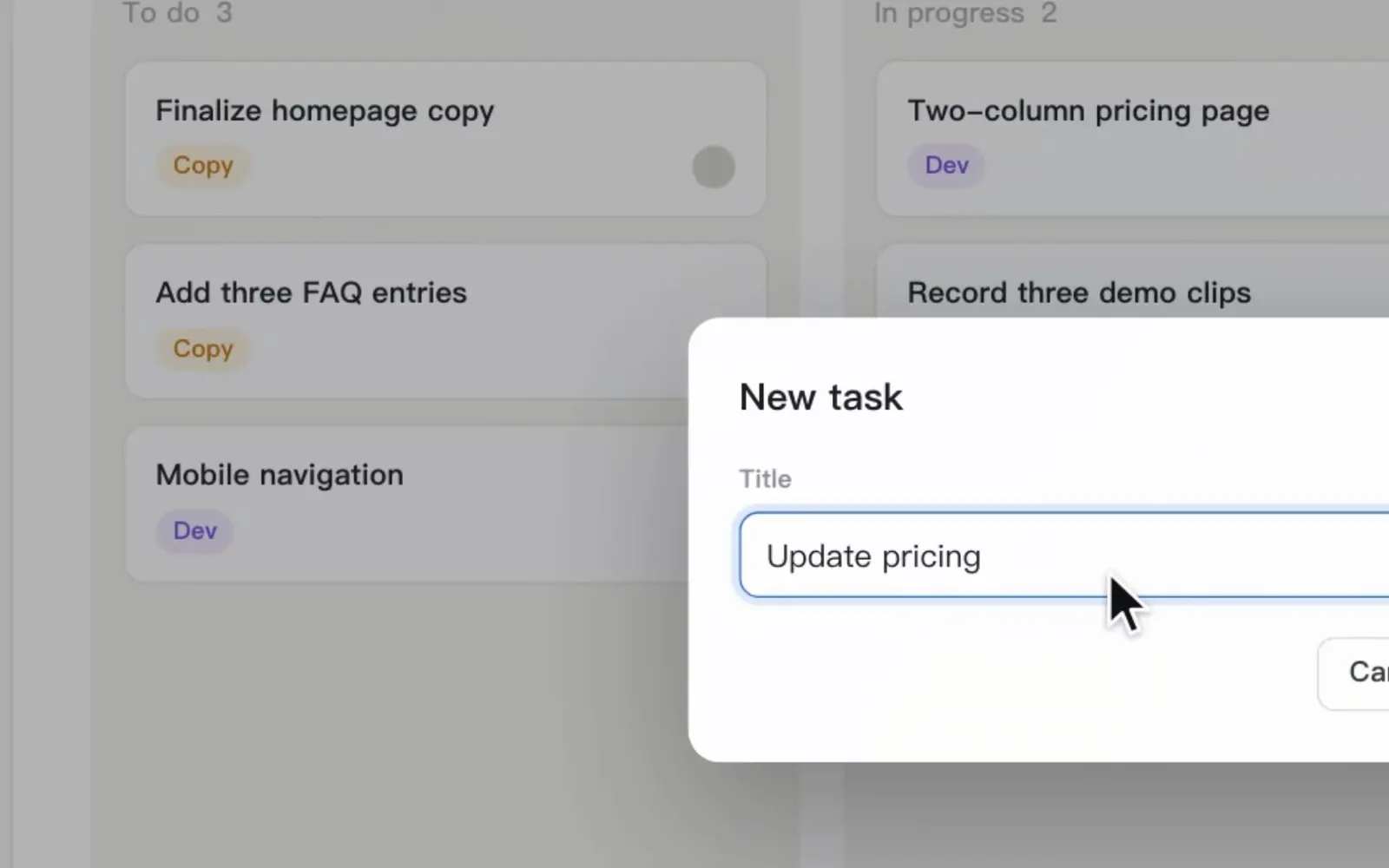
What you get with Fotilo
- Auto zoom that skips stray clicks. Several clicks in a row don't bounce the camera, and a stray click before switching apps is ignored. Type a long line and the camera follows the text cursor. See it
- Framing built in. Window and region recordings come with a wallpaper, padding, rounded corners and a shadow.
- Change the cursor afterward. Its path is smoothed, it can hide while it isn't moving, and you can resize or restyle it after recording.
- Captions in a click. What you say becomes captions; switch styles with one click for people watching with the sound off.
- Dub into English in your own voice. Talk in your own language and get an English voice-over that sounds like you, or Japanese, Spanish and more. Listen to samples
- Edit like a document. Select a sentence and press Delete to cut that part of the video. Pauses and filler words come as a checklist you can remove.
- Camera bubble or a cartoon stand-in. Rather not show your face? A cartoon fox blinks and moves its mouth as you talk.
- Save what just happened. Turn on replay and press a shortcut to keep the last few dozen seconds, handy when a bug flashes by.
- Export for where it's going. Wide, tall or square; fit under a chat app's size limit; or turn it into a GIF. See it
- Screenshots in the same app, with in-place markup, long screenshots and text recognition. See it
Let your AI assistant edit
Fotilo connects to Claude Code, Codex, Cursor and other AI assistants on your Mac. Ask for a tutorial cut and it trims the waiting, zooms in on the key steps and adds captions; every change lands on the timeline, where you can still adjust it. It stays off until you switch it on. How to connect
When Screen Studio is the better pick
Screen Studio is made just for screen recordings and is well known for its polished zoom and cursor motion. If recording is all you do and your workflow is built around it, it's a strong choice.
Questions
Is Fotilo free?
Yes. The free version records the screen, a window or a region with system audio and mic, frames windows and regions with a wallpaper, rounded corners and a shadow, trims the start and end, and exports MP4 or GIF, with no watermark and no account. Auto zoom, custom backgrounds, cutting out the middle, captions, dubbing and exporting longer videos come with Screenshot & Recording Pro; the free export length is listed in pricing.
Can I edit videos I recorded with another app?
Yes. Fotilo's video editor opens videos recorded elsewhere too.
Does Fotilo upload my screenshots or recordings?
No. Capture, text recognition, captions and editing all happen on your Mac.
Which Macs does it run on?
macOS 14 or later, on Apple silicon and Intel. Dubbing needs a Mac with Apple silicon.
macOS 14 or later, Apple silicon and Intel · Free forever, no account