 Fotilo
Snipaste alternative
A Snipaste alternative for Mac
Fotilo works the way Snipaste users expect: frame an area, mark it up right there on the screen, press Return to copy, and pin captures on top of your windows. On first launch you can pick F1 to capture and F3 to pin. It also takes long screenshots, copies text and records your screen.
macOS 14 or later, Apple silicon and Intel · Free forever, no account
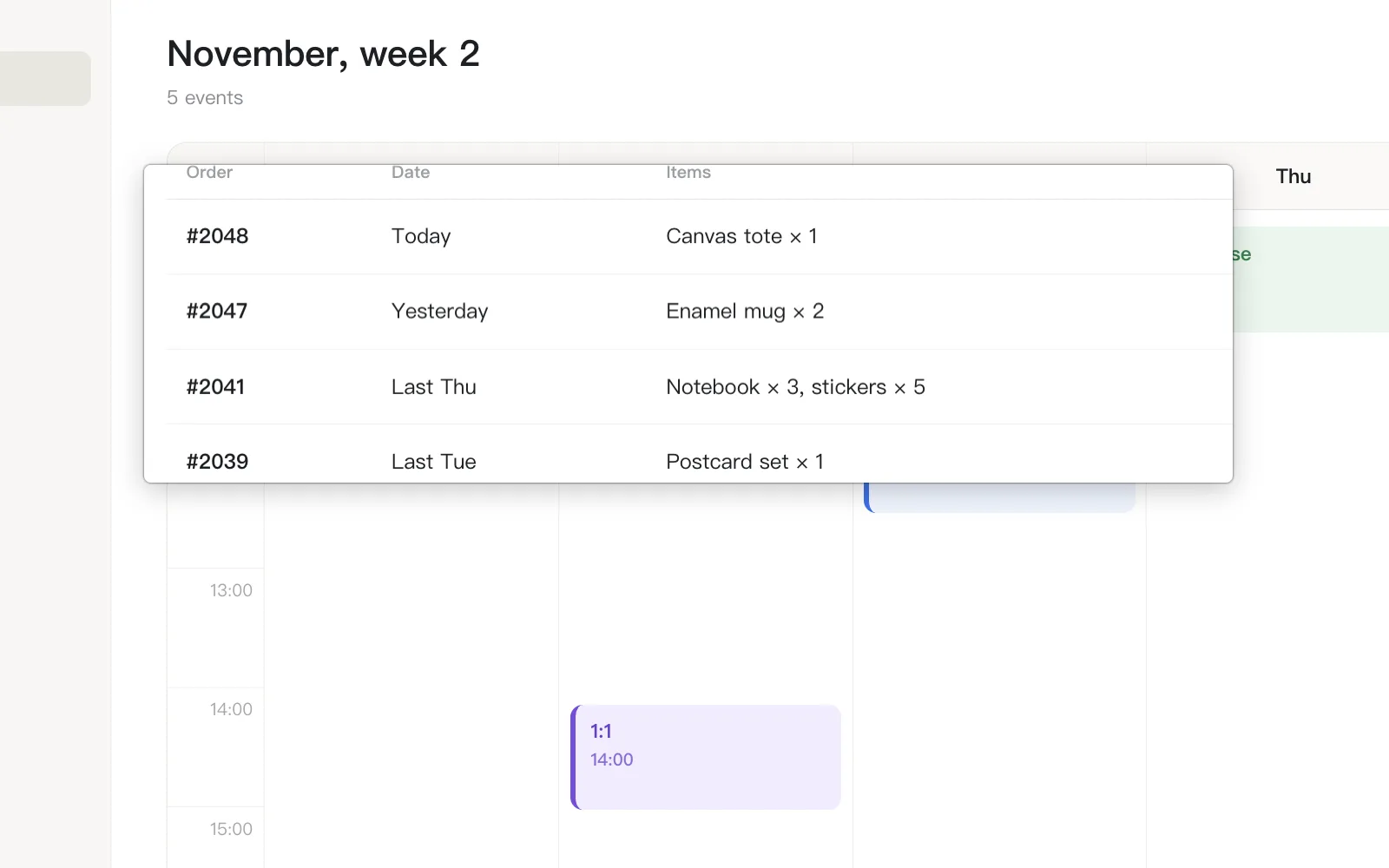
Pinning, the way you're used to
- Keep a capture above every window, and let clicks pass through it when it's in the way.
- Scroll to resize a pin or change its opacity.
- Double-click a pin to close it, close them all at once, or bring back one you closed by accident.
- Pin straight from history, translate a pinned capture, or send it to the editor and back.
And more for your Mac
- Mark up in place. Arrows, boxes, text and mosaic right on the screen, then press Return to copy. See it
- Long screenshots of a whole page or chat, stitched as you scroll. How it works
- Copy text from any image with ⇧⌘O, including QR codes.
- Blur before you send. Every copy of the same text is covered at once.
- Screen recording with system audio and mic, auto zoom on your clicks and captions. See it
Moving over from Snipaste
- Pick the F1 / F3 shortcut set on first launch, or rebind any action yourself.
- If another app already holds a shortcut, Fotilo tells you, so you know which one to change.
- Works inside full-screen apps.
When Snipaste is the better pick
Snipaste is a long-time favorite, especially on Windows, and it's best known for pinning screenshots. If you want the very same app on your Windows PC and your Mac, it's a sensible choice.
Questions
Is Fotilo free?
Yes. The free version takes full-screen, region, window and timed screenshots, long screenshots as you scroll, marks them up, copies text, pins captures on screen and records your screen with system audio and mic. No watermark and no account. Paid plans add more, such as auto-scroll, step markers, auto-redaction, auto zoom, captions and dubbing. See pricing.
Can I use F1 without a modifier key?
Yes. Function keys work on their own, the same habit you had with Snipaste.
Does Fotilo upload my screenshots or recordings?
No. Capture, text recognition, captions and editing all happen on your Mac.
Which Macs does it run on?
macOS 14 or later, on Apple silicon and Intel.
macOS 14 or later, Apple silicon and Intel · Free forever, no account