 Fotilo
Shottr alternative
A Shottr alternative for screenshots and screen recording
Fotilo takes screenshots and records your screen in one Mac app. Screenshots get in-place markup, long screenshots and text recognition; recordings get framing, auto zoom, captions and dubbing. The free version has no watermark and needs no account.
macOS 14 or later, Apple silicon and Intel · Free forever, no account
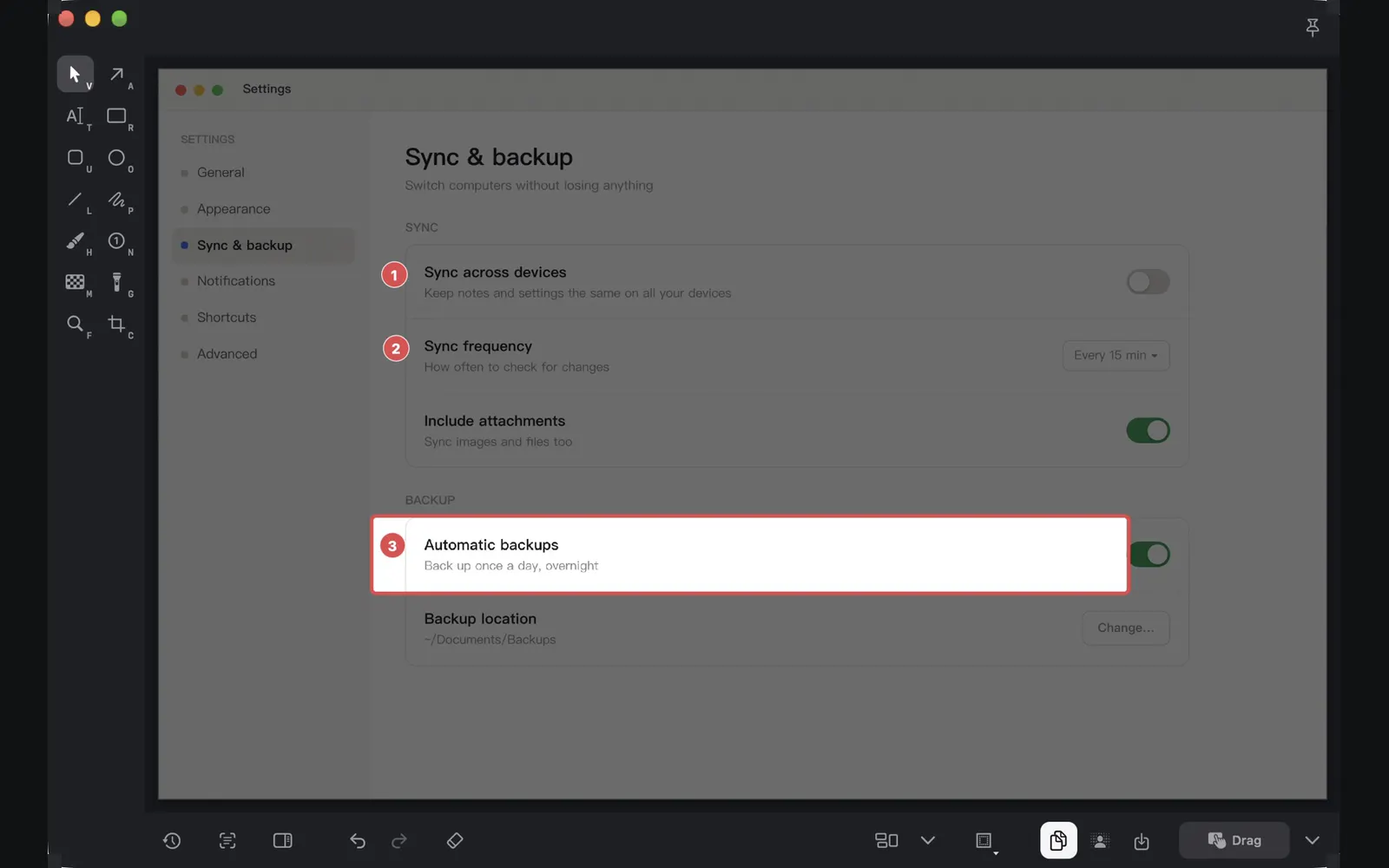
What you get with Fotilo
- Mark up without opening an editor. The toolbar appears right beside your selection. Draw, then press Return and paste into Slack, an email or a bug report. See it
- Step numbers, spotlight and magnifier. Show what to click first and next; insert a step and the later ones renumber.
- Freeze the screen to capture menus and tooltips that vanish when you let go.
- Reframe your last capture. Go back to the screen as it was, move the frame and capture again.
- Pin captures on top of every window, and let clicks pass through when it's in the way.
- Long screenshots that don't repeat the fixed header. How it works
- Copy text and QR codes from any image with ⇧⌘O, and translate a screenshot with the translation laid over the original.
- Screen recording in the same app. Record the screen, a window or a region with system audio and mic; the camera follows your clicks and captions come from what you say. See it
Moving over from Shottr
- Rebind every shortcut to the keys your fingers already know.
- Capture history keeps your markup, so you can reopen a screenshot later and keep editing.
- Drag any capture into Finder or a chat as PNG, JPG or PDF.
When Shottr is the better pick
Shottr is small, quick and focused on screenshots, with pixel tools such as a ruler that designers like. If screenshots are all you take and it does what you need, there's no reason to switch.
Questions
Is Fotilo free?
Yes. The free version takes full-screen, region, window and timed screenshots, long screenshots as you scroll, marks them up, copies text, pins captures on screen and records your screen with system audio and mic. No watermark and no account. Paid plans add more, such as auto-scroll, step markers, auto-redaction, auto zoom, captions and dubbing. See pricing.
Does Fotilo upload my screenshots or recordings?
No. Capture, text recognition, captions and editing all happen on your Mac.
Which Macs does it run on?
macOS 14 or later, on Apple silicon and Intel.
macOS 14 or later, Apple silicon and Intel · Free forever, no account